
A consumer brand places its first order for “240W USB-C cables”. The samples look right, the label says 240W, the price is good. Three months later the returns start: laptops that should fast-charge are stuck at 60W, and one dock refuses to power up at all. Nobody lied about the connector — the cable simply was not built to carry what the label promised.
Power and speed over USB-C are decided by things you cannot see from the outside: the wires, the chip in the connector, and the certification behind them. This guide covers what a buyer needs to specify, and where the traps are.
The five speed grades — and the naming mess around them
USB-IF renamed the same speeds three times, which is why datasheets disagree. A quick translation: what used to be called USB 3.0 is now USB 3.2 Gen 1; USB 3.1 became USB 3.2 Gen 2; and the dual-lane 20 Gbps mode is USB 3.2 Gen 2x2. Anything printed as “USB 3.2” on its own tells you nothing until the generation is stated.
| Standard | Speed | Cable requirement | Typical use |
|---|---|---|---|
| USB 2.0 | 480 Mbps | Basic 2-wire pair; no e-marker | Charging, keyboards, mice, low-speed devices |
| USB 3.2 Gen 1 (old “3.0”) | 5 Gbps | Standard SuperSpeed pair | External SSDs, everyday data, docking basics |
| USB 3.2 Gen 2 (old “3.1”) | 10 Gbps | Certified 10 Gbps cable; e-marker if above 3 A | Fast storage, 4K displays, capture devices |
| USB 3.2 Gen 2x2 | 20 Gbps | Dual-lane cable; e-marker required for 5 A | High-speed storage, multi-function docks |
| USB4 (Gen 3x2) | 40 Gbps | USB4-certified cable, e-marker, tuned impedance | eGPU, 8K displays, docks, Thunderbolt-compatible devices |
Note the asymmetry: a USB 2.0 cable can still charge at high power if it is properly built — speed and power are separate specifications. A cable can be 240 W and only 480 Mbps, or 40 Gbps and only 100 W. Both numbers have to be stated on the purchase order.
E-Marker: the chip that decides how much power you actually get
Inside the connector of a properly built USB-C cable there is a small chip — the electronically marked cable, or e-marker. It reports two things to the devices at each end: the cable’s current rating and its data capability.
This matters because USB-C defaults to 3 A when the cable does not identify itself. At 20 V that is 60 W. Anything above that — the 100 W tier — requires the cable to advertise 5 A, which is exactly what the e-marker is for. A cable sold as “100W” or “240W” with no e-marker will be negotiated down to 60 W, or refuse to charge at all. It is the single most common cause of “the cable doesn’t work” returns in this category.
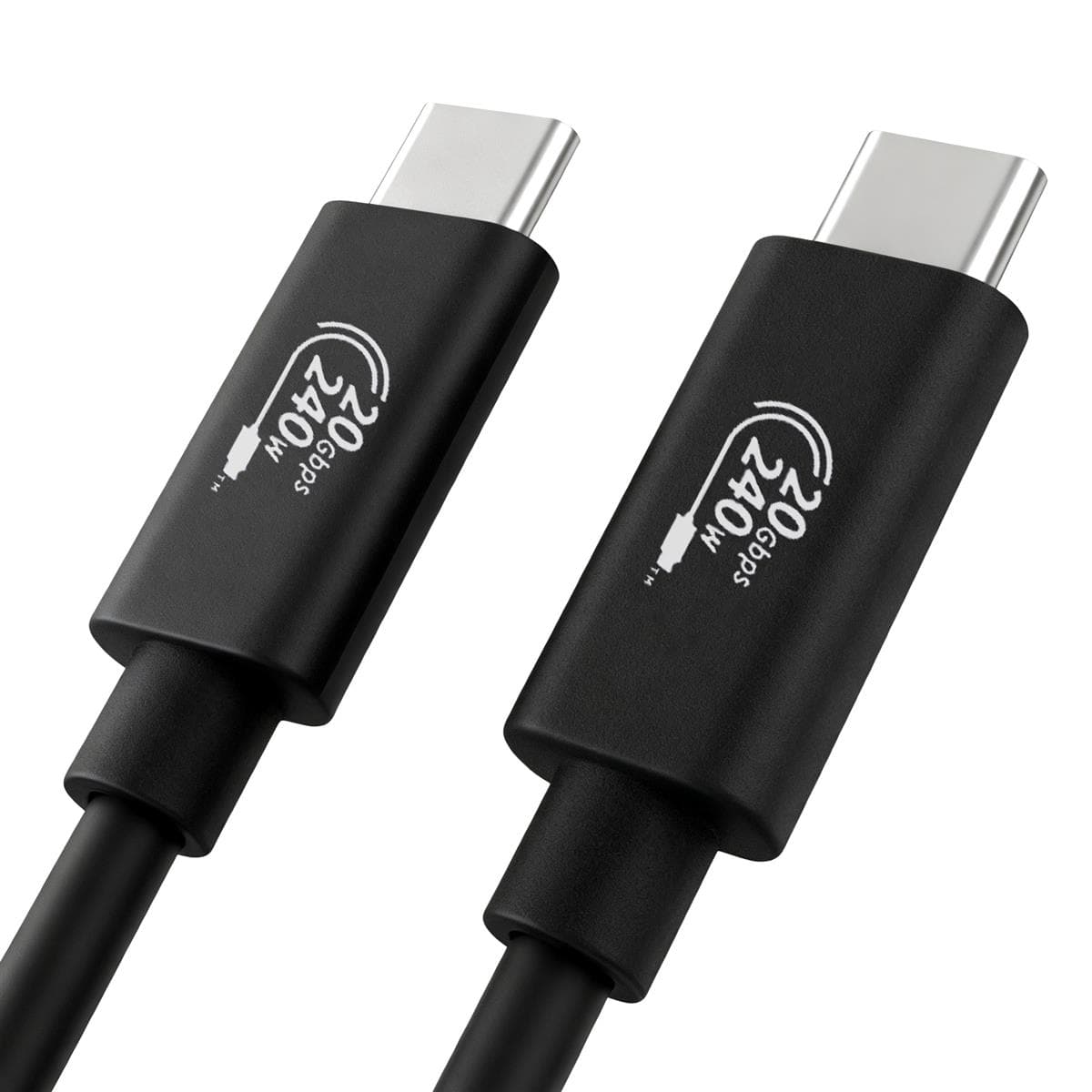
240 W EPR (USB PD 3.1): what must be true at both ends
USB Power Delivery 3.1 added Extended Power Range (EPR). Where the original spec stopped at 20 V, EPR adds fixed 28 V, 36 V and 48 V levels at up to 5 A — reaching 240 W at 48 V × 5 A.
For a 240 W link to actually happen, all three of these have to be true:
- The cable is EPR-rated, e-marked, and its chip advertises 50 V / 5 A capability.
- The charger supports PD 3.1 EPR and can supply the higher voltage.
- The device — laptop, dock or monitor — requests EPR and can accept it.
If any one of the three is missing, the link silently falls back to a lower voltage and the device charges slowly. This is why “we bought a 240 W cable but it charges at 65 W” is so common: the cable was fine, the other end was not EPR-capable.
Why long 240 W cables are genuinely hard to make
Power over a cable is a resistance problem. At 5 A, voltage drop and self-heating both scale with the conductor’s resistance, which rises with length and falls with cross-section. A practical 240 W cable uses a low-resistance gauge for the power pair, and the longer the cable, the thicker that copper has to be — which makes the cable stiffer, heavier and more expensive.
High-speed data has the opposite problem: the faster the link, the shorter the passive cable can be. A passive USB4 cable carrying 40 Gbps is typically limited to well under a metre; beyond that you need an active (electronically re-timed) cable. So a “2 m, 240 W, 40 Gbps” passive cable at a very low price is a warning sign, not a bargain — one of those three numbers is usually optimistic.
Five things to check before you place the order
- Power rating with a current figure. “240 W” alone is meaningless; ask for 48 V / 5 A EPR support, and the e-marker value.
- E-marker present. Confirm the chip is fitted and its advertised rating matches the label. This is testable at incoming inspection.
- Certification you can verify. USB-IF certification carries a TID that can be looked up; for Thunderbolt-compatible products, ask for the Intel certification. A logo on a moulding is not certification.
- Data grade stated separately. Power and speed are independent — specify both, and specify the length you actually need.
- Conductor and construction. Ask for the AWG of the power pair, the shielding structure and the jacket material. Braided nylon looks premium but says nothing about current capacity.
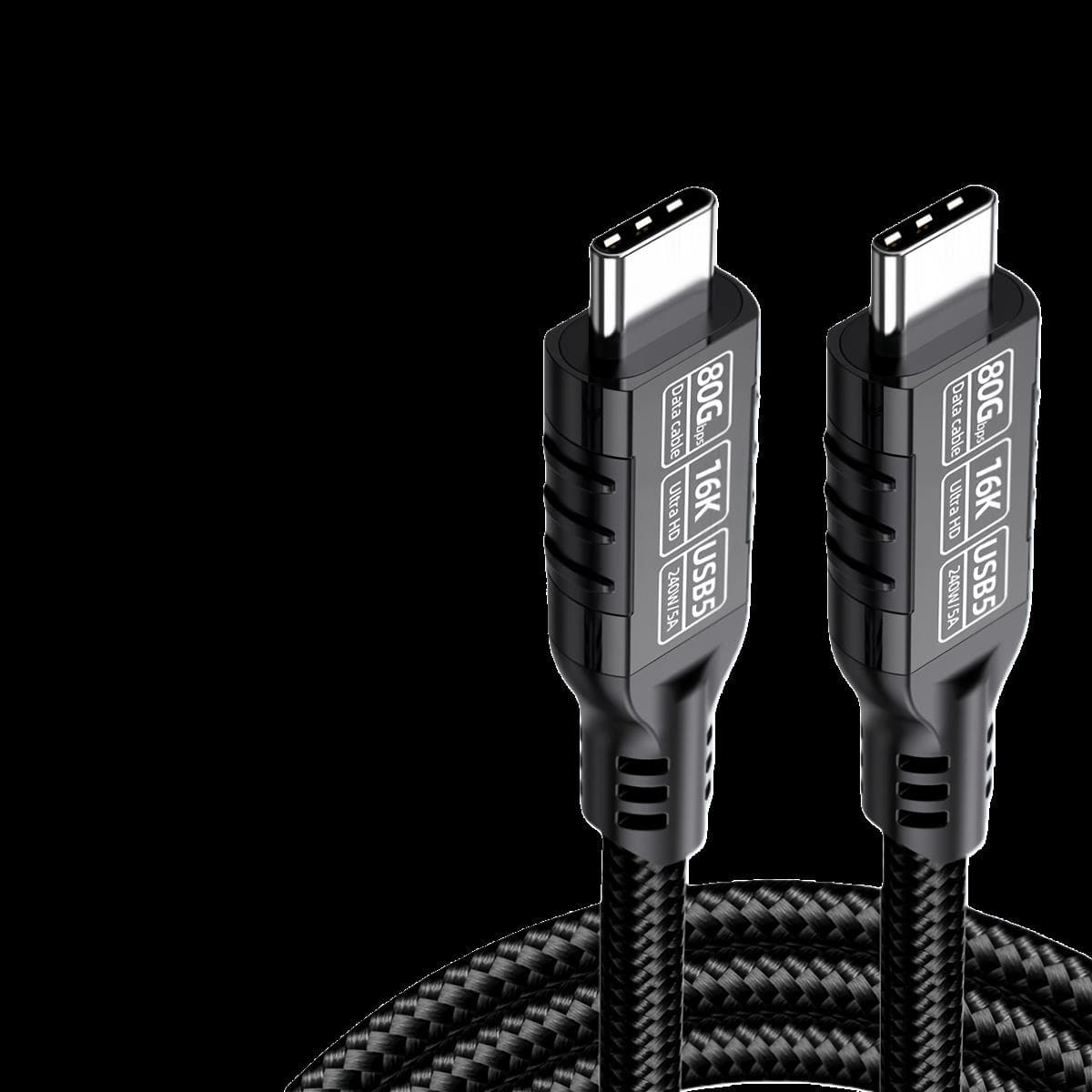
How we build and test USB-C cable assemblies
Our Shenzhen base builds USB-C assemblies from a drawing, a photo or a physical sample: we design and tool in-house, sample in about seven days, then run production with in-line and final inspection. Constructions cover USB 2.0 through USB4, PD 3.0 up to 100 W and PD 3.1 EPR up to 240 W, with e-marker placement, shielding and jacket options to your specification.
Full options are on the custom connector and cable assembly page, and the product catalog is available in the downloads section.
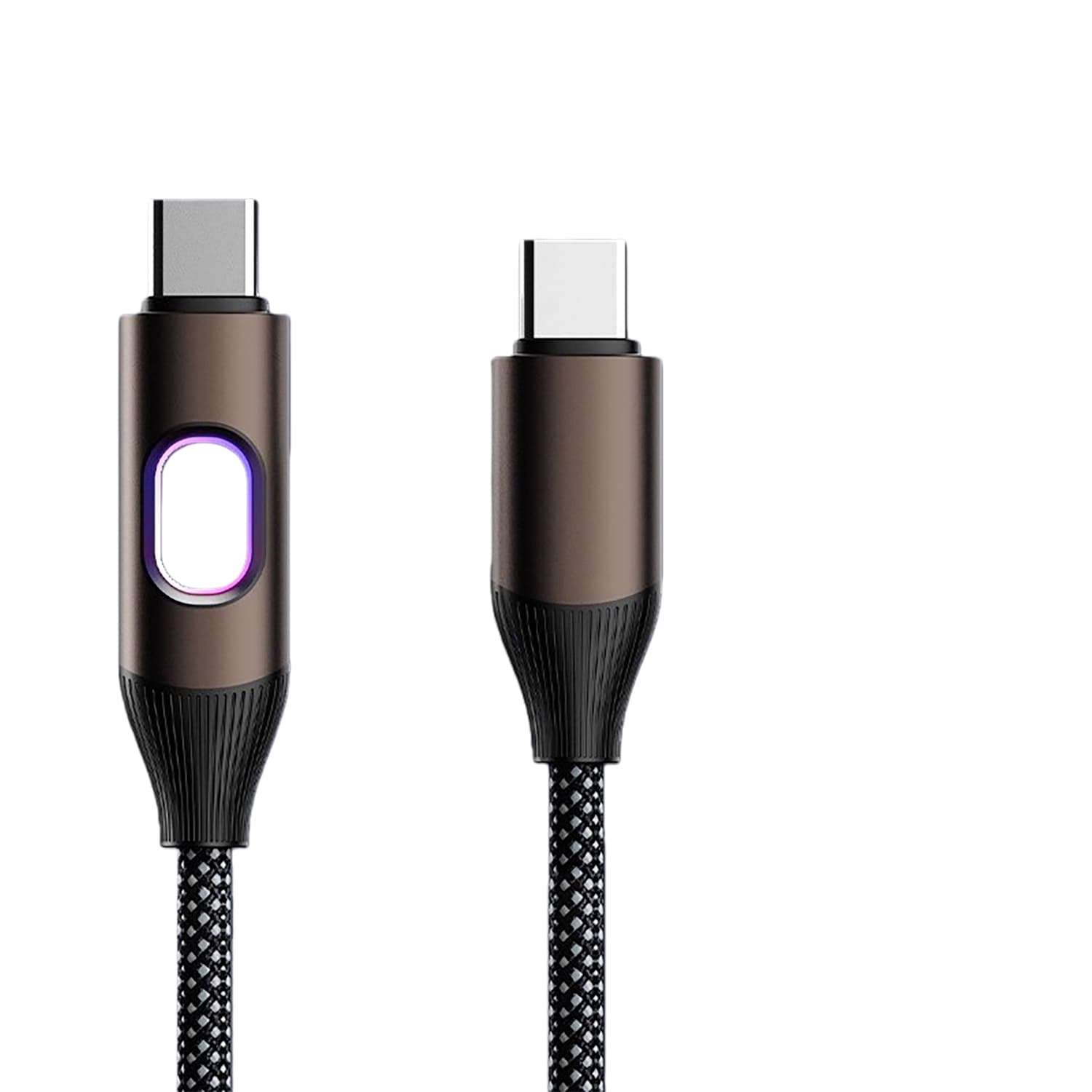

If you are sourcing 240 W or USB4 cables and want a straight answer on what is achievable at your target length and price, send us the specification — interface, power, data rate, length and quantity is enough to start. You can also reach our engineers at wangyazhong@hengchangtech.com.